
Bravida sends SMS via Outlook with e-SMS
Bravida uses e-SMS to send quick reminders and messages to technicians directly from Outlook.
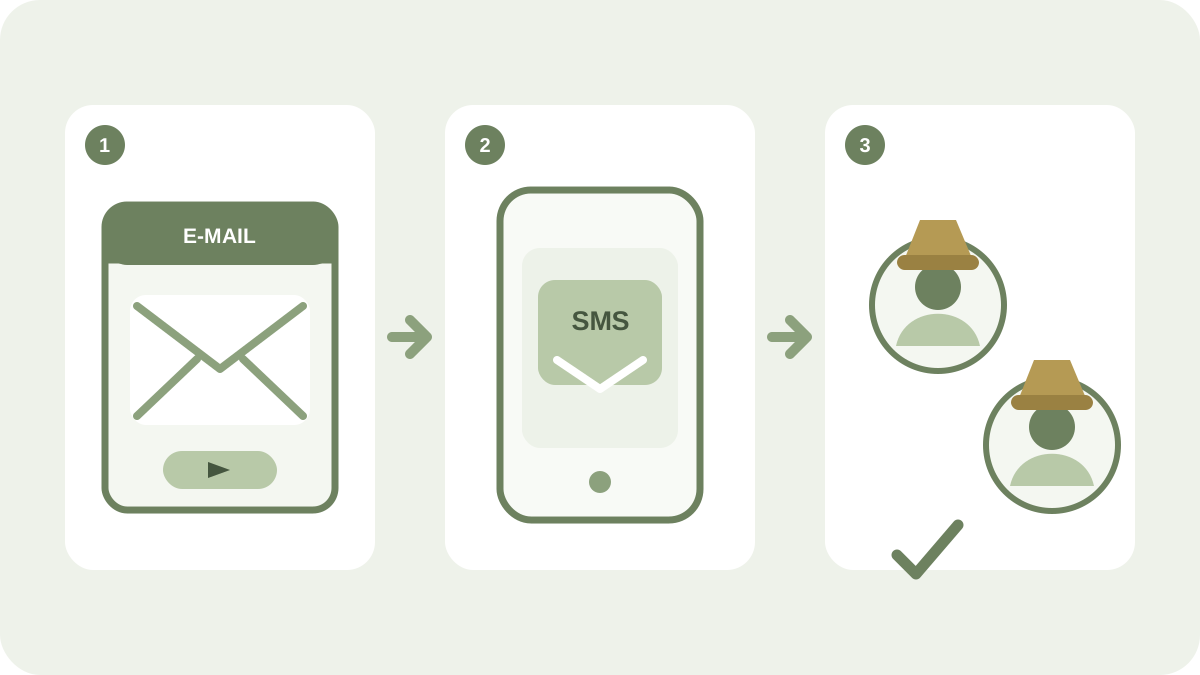
Being able to send SMS from the same workspace as email can save time for teams that already work in Microsoft Outlook. Bravida has used iP.1’s e-SMS to reach technicians with brief reminders and messages without switching to a mobile phone.
My colleagues and I use the system every day to send quick reminders and messages to our technicians instead of sending emails or texting from a mobile phone. It saves time at both ends and works very smoothly.
— Katja Swenson, administrator at Bravida’s Gothenburg office
SMS in the existing workflow
For Bravida, the benefit was being able to use an already familiar tool. The administrator could write the message in Outlook and send it as an SMS when the information needed to attract attention faster than a regular email.
e-SMS is suitable for:
- quick reminders
- changes to times or working conditions
- invitations
- operational and crisis information
- brief business-critical information
Contacts and groups from Outlook
With e-SMS, you can use Outlook contacts and prepared groups as recipients. This reduces duplicate work when addresses and work groups are already managed in the organisation’s existing environment.
Current compatibility
The original customer story concerned Outlook 2013. That version is now historical and should not be treated as a current system recommendation. Today’s e-SMS plugin is intended for Microsoft Outlook 2019 and later. Always check the current system requirements and installation instructions before rollout.
Learn more about e-SMS and the other web services, or contact iP.1 to assess how the service could fit your Outlook-based workflow.