
Create trackable short links in One Channel
Shorten links in SMS, save characters and measure clicks directly in One Channel to understand which campaigns work.
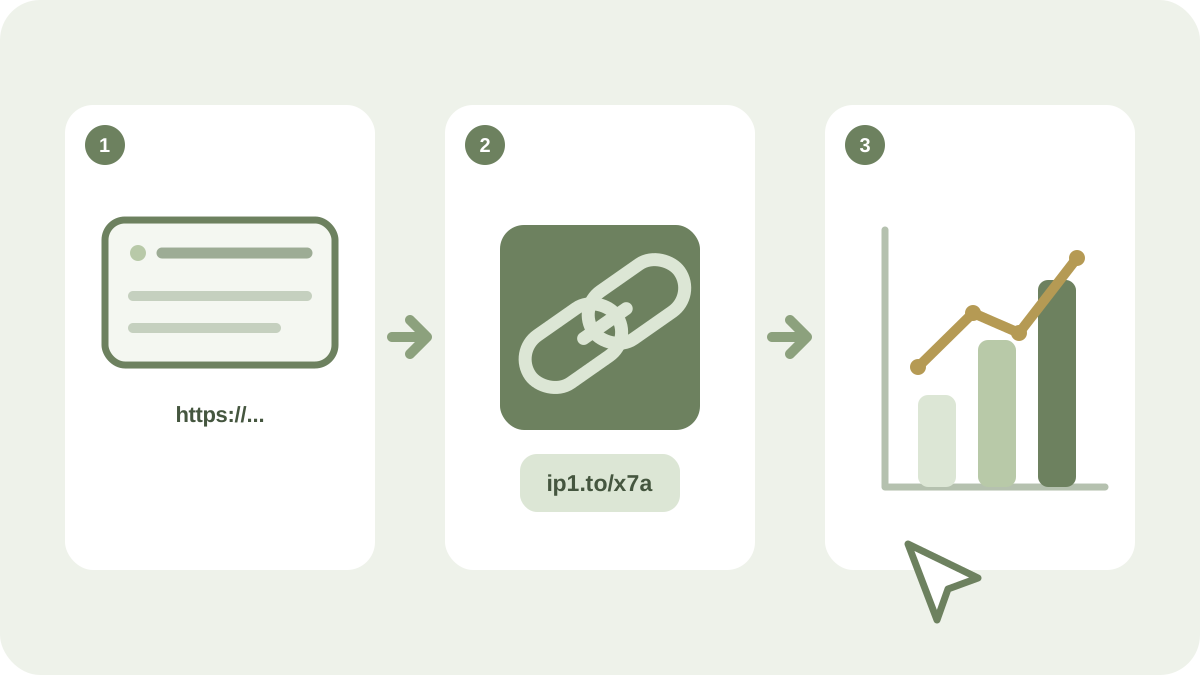
A long web address takes up valuable space in an SMS and can make the message difficult to scan. With a trackable short link in One Channel, the recipient gets a clearer route forward while you can track clicks in the campaign.
Why use a short link?
A short link can provide several practical benefits:
- fewer characters in the message
- more readable text
- click statistics in the campaign overview
- easier comparisons between messages and target audiences
Clicks are only one part of the result. Connect the statistics to the campaign objective, such as a purchase, booking or registration.
Put the link in a clear context
Explain what happens after the click. The wording View times and book here is more informative than Click here. The link should lead directly to the correct page, not to a general home page where the recipient has to search further.
Check before sending
- Open the short link on a mobile phone.
- Check that the page loads quickly and matches the SMS message.
- Make sure that any forms and buttons work.
- Send an internal test and check that the click is recorded.
- Review the SMS length, sender and unsubscribe option.
Learn from the campaign results
Compare click-through rates across relevant segments, times and messages. Change one main factor at a time when testing; otherwise, it will be difficult to understand what affected the result.
Learn more about the campaign calendar, target audiences and analytics on the One Channel page. For campaigns with more content, a short link can lead to a mobile-friendly landing page.