
Send letters in One Channel
A step-by-step guide to importing postal addresses, selecting recipients and creating a letter campaign in One Channel.
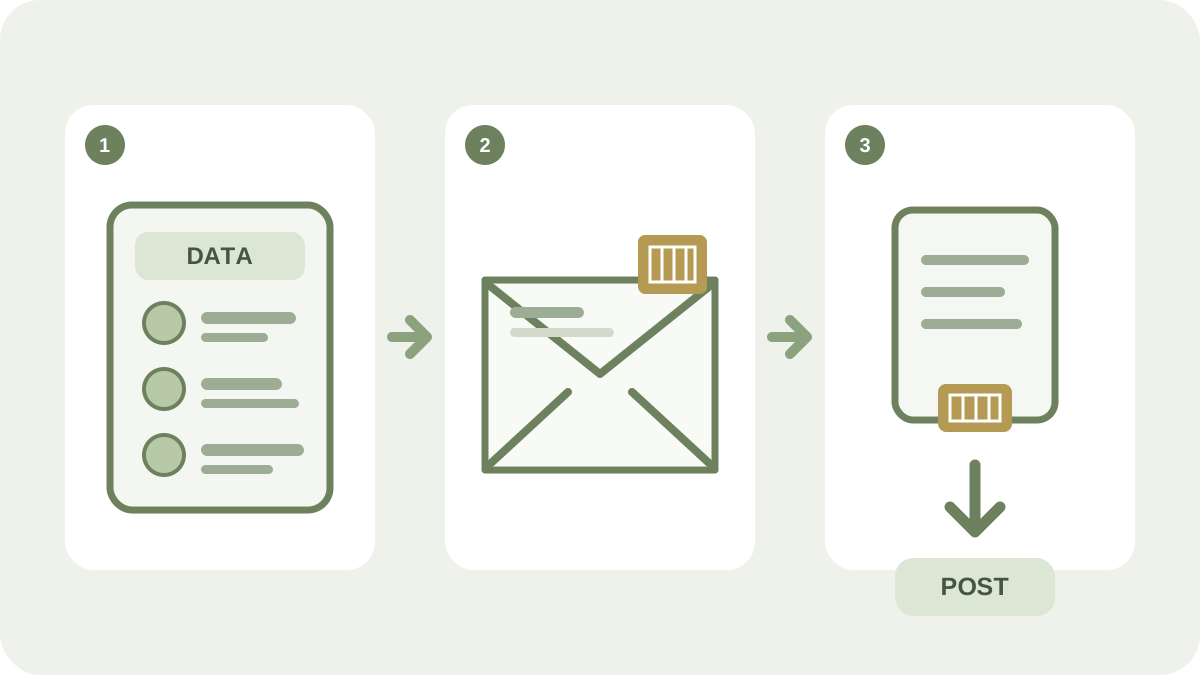
Not every target audience can always be reached by SMS or email. In One Channel, you can therefore create a letter campaign for individual contacts or groups and manage it together with the rest of your campaign planning.
Prepare the contact register
Import the recipients into the contacts app and check that each record contains:
- first name and surname
- street address
- postcode and city
- country
Use clear labels for the contacts to be included. Check spelling, postcodes and duplicates before importing. Correct address data reduces the risk of returns and unnecessary costs.
Create the letter campaign
- Create a new campaign in One Channel.
- Select the letter option.
- Choose whether the letter should contain plain text or be supplemented with an image.
- Select the label or target audience containing the correct recipients.
- Preview the content and addresses.
- Confirm the campaign when everything has been checked.
The interface and available options may evolve over time. Use the help button in the service if you need current guidance on imports or campaign settings.
When are letters suitable?
Letters can complement digital channels when the contact register does not contain mobile numbers or email addresses, or when the content needs a physical format. Do not choose a channel out of habit; base the decision on the recipients’ circumstances, the nature of the message and the campaign’s objective.
On the One Channel page, you can learn how the campaign calendar brings SMS, email and letters together in the same workflow. If the target audience has several contact methods, you can also learn how to combine SMS and email without sending the same content twice.