
Contacts and labels
Import contacts from Excel, create clear segments and select recipients directly in your mailing.
Web SMS
Bring contacts, copy, mailings and replies together in one easy-to-use tool. No integration or installation required.
Open the feature guideFeatures
Send SMS messages from your computer to one customer or an entire contact list. Web SMS brings personalised group messages, scheduling and delivery status together in your browser.
Import contacts from Excel, create clear segments and select recipients directly in your mailing.
Save frequently used copy and insert it in seconds when you need to communicate quickly.
Use contact data such as first and last names to make large mailings more relevant.
Prepare your message in advance and choose exactly when it should reach the recipient.
Track sent messages, delivery status, balance and statistics from one consolidated view.
Receive and manage replies with an optional virtual inbound number.
Use opt-out features to respect recipients who no longer want to receive SMS messages.
Write with Unicode, emojis and up to 1,600 characters when your message needs more space.
How it works
Add numbers directly or select contacts and labels.
Use a template, personalise the copy and check the preview.
Send now or later and monitor status from the same workspace.
Use cases
Reduce missed appointments and give recipients the right information at the right time.
Reach employees, residents or members quickly when something changes.
Send relevant offers to segments that have chosen to hear from you.
Keep customers informed from confirmation through to delivery.
Customer experiences
“SMS is a very important tool for increasing order frequency and sales. We are very pleased with our partnership with iP.1.”
“From the very start, iP.1 has responded quickly, delivered on its promises and done everything possible to make us feel secure as a customer.”
Best practice
A simple checklist for clearer communication and a better recipient experience.
Make sure you have a valid legal basis, keep your contact list up to date and only send content recipients expect.
Use a clear sender name and let the opening words explain why the message is relevant.
Prioritise the most important information and end with one clear next step.
Schedule the message for when it will be useful and avoid unnecessarily disruptive times.
Check personalisation, links, character count and opt-out details with an internal test message.

Frequently asked questions
Sign in to Web SMS, select a contact list or enter a mobile number, write your message and send it immediately or schedule it. Everything happens in the browser, with no installation required.
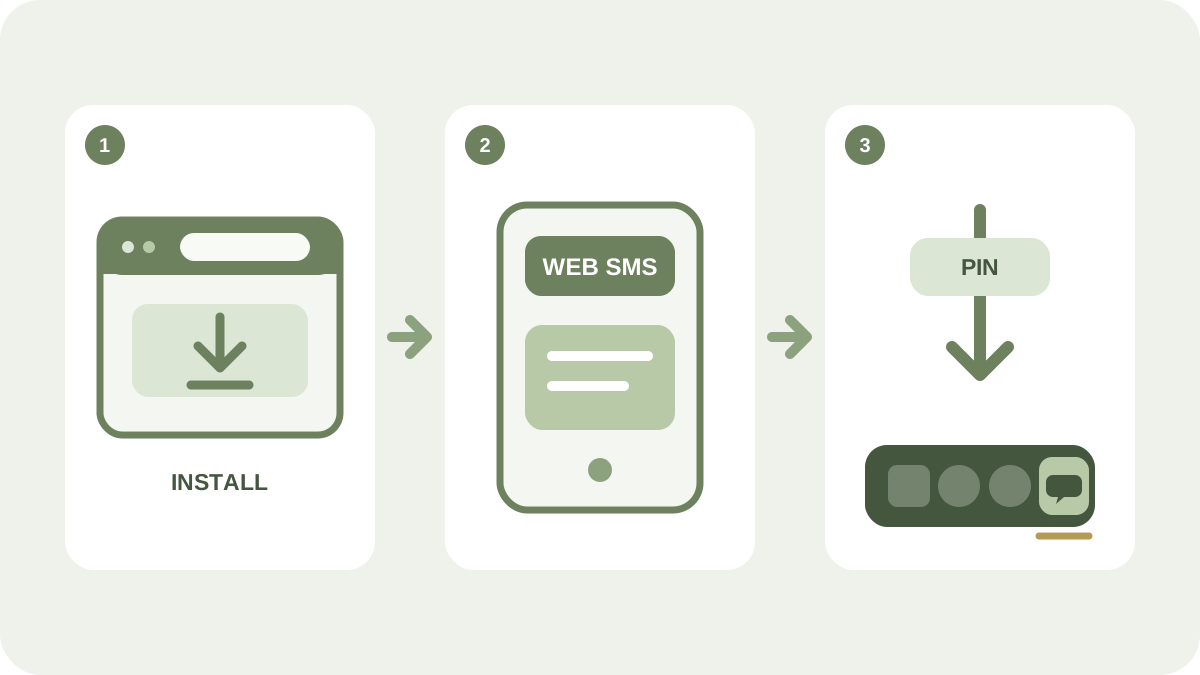
No. Web SMS runs in the browser and is available through the iP.1 portal, so it works on the most common modern computers.
Yes. You can import contacts from an Excel file and organise them with labels for easier selection and segmentation.
Yes. With an optional virtual inbound number, you can receive replies and manage conversations within the SMS workflow.
Yes. Text templates can use contact data, such as a first name, to tailor the same mailing to each recipient.
Ready to get started?