
Personalise SMS with contact data
Use standard and custom contact fields to create personal, relevant SMS messages without writing each one manually.
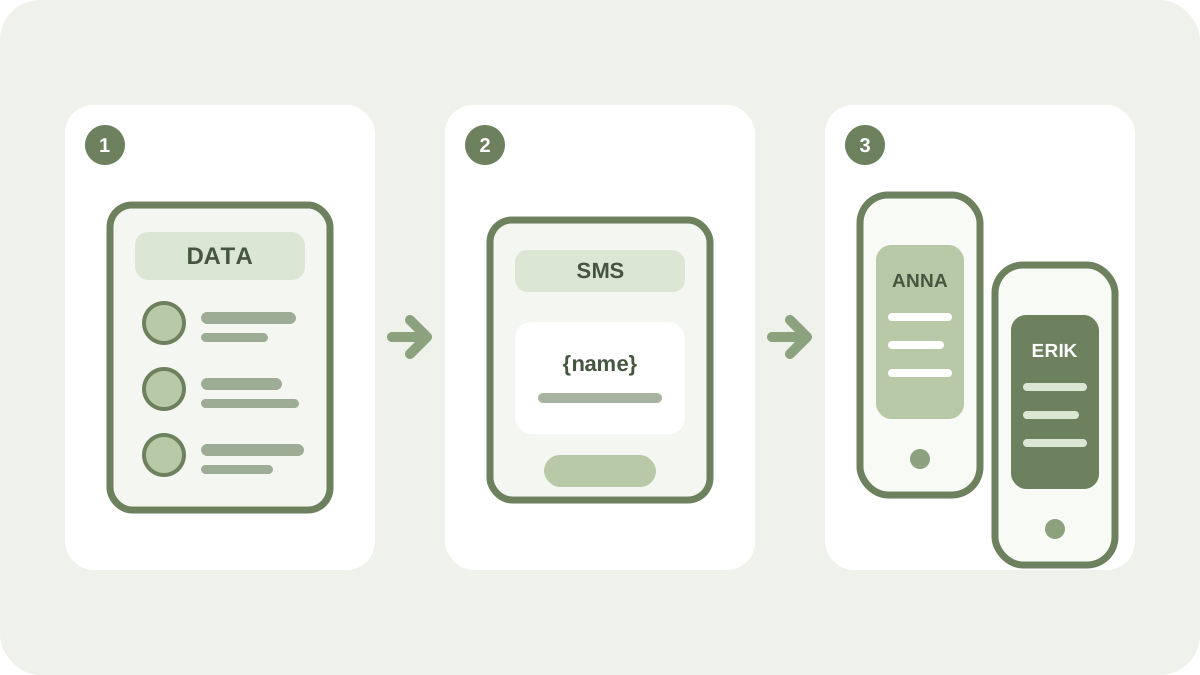
Personal messages can make communication clearer and more relevant. In iP.1’s services, you can insert details from the contact register directly into the text so that a group message is adapted for each recipient.
Common contact fields
The system includes standard fields for:
- first name:
{firstName} - surname:
{lastName} - mobile number:
{phone} - email address:
{email} - street:
{street} - postcode:
{zip} - city:
{city} - country:
{country}
You can select contact fields in the message editor or type the field name inside braces. Always check the current list of fields in the service before sending.
Add your own details
Custom contact fields are useful when the message needs to include information such as a customer number, appointment time, region or membership level. The fields can be created in the contact service or mapped when you import a contact list.
Only use details that are needed for the communication. Keep the list up to date and avoid including sensitive information in an SMS.
Always test the personalisation
- Check that every field has the correct value for the target audience.
- Decide what should be displayed if a value is missing.
- Send test messages with both complete and incomplete contact data.
- Read the message on a mobile phone and check the links, length and sender.
A greeting that includes a name is not automatically relevant. Adapt the message itself as well, and select segments based on the recipient’s expectations and consent.
You can use contact data in Web SMS for everyday messages and in One Channel for segmented campaigns across multiple channels.